Aimbot controls
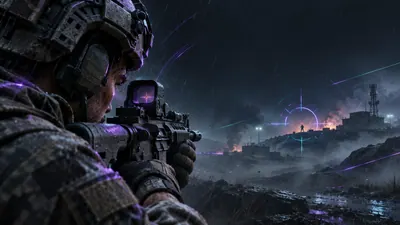
Choose how aim assistance behaves.
The product source lists toggles, Aim Always, bone selection, custom binds, smoothness, FOV and distance controls.
- Toggle Aimbot and Aim Always
- Head, neck, body and pelvis selection
- Custom aim bind and smoothness
- FOV and distance controls
- Target bots and target teams
Player ESP
Visual information for player targets.
Player ESP is listed with distance, health, skeleton, snapline, box and name display options.
- Player ESP
- Distance and health bar
- Skeleton and snapline
- Box and name display
Bot ESP
A separate visual category.
Bot ESP is listed separately from player ESP, with the same documented display controls for distance and visual markers.
- Bot ESP
- Distance control
- Health bar
- Skeleton, snapline and box
Target filters
Control who the menu evaluates.
The documented aim options include target bots, target teams and a visible check for target selection.
- Target bots
- Target teams
- Visible check
- Custom FOV border and background
Crosshair and FPS controls
Small controls that stay visible.
Crosshair style, size and thickness settings appear alongside an FPS limit and menu controls.
- Crosshair enable switch
- Style, size and thickness
- FPS limit
- Menu and unload binds
Config system
Keep menu changes organized.
Save, load, share and delete actions are listed for configs, with English and Chinese menu options.
- Save configs
- Load configs
- Share configs
- Delete configs
PC requirements
Check the platform before checkout.
The product source lists Windows 10 or 11 on Intel or AMD. EA also publishes separate PC requirements for Battlefield 6.
- Windows 10 or 11
- Intel or AMD
- Review current game requirements
- Read the risk notice